

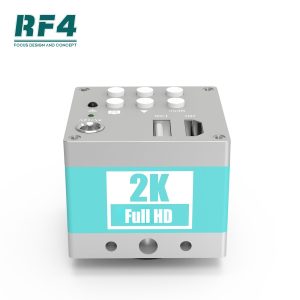

RF4 2KC2 1080P 60FPS 2K HDMI Industrial Microscope Camera with Remote Control | Xicart wholesale
$74.99
Ask for a tailored price, mixed-model pricing or a freight quote for this item. Enquiries answered within 24 hours.
- Description
- Additional information
- Reviews (0)
Description
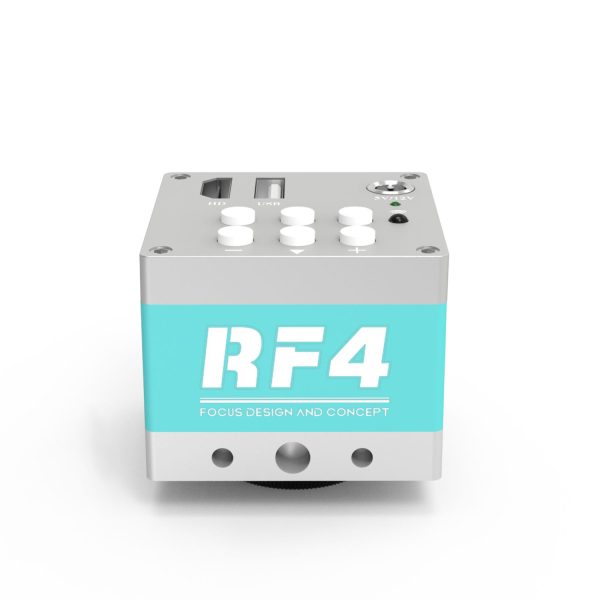
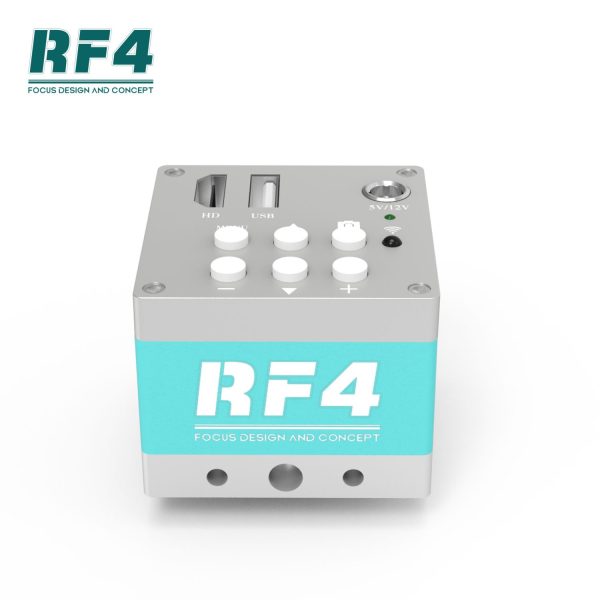
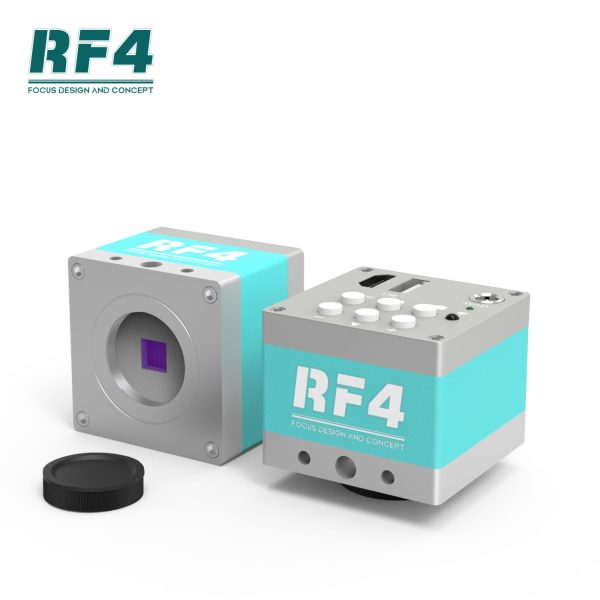
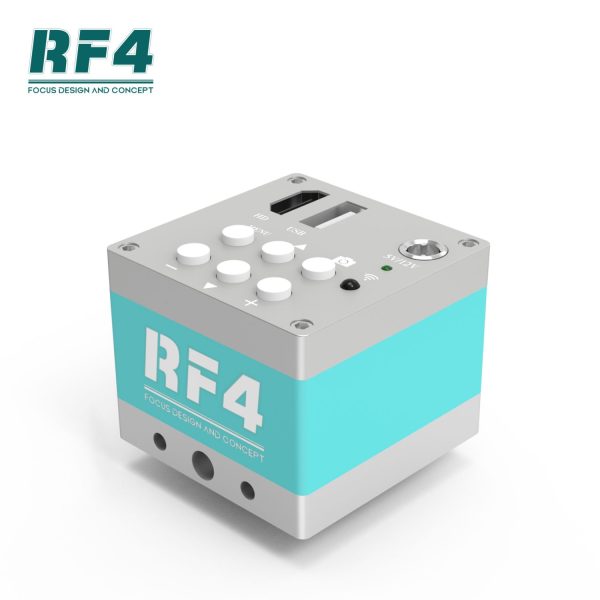
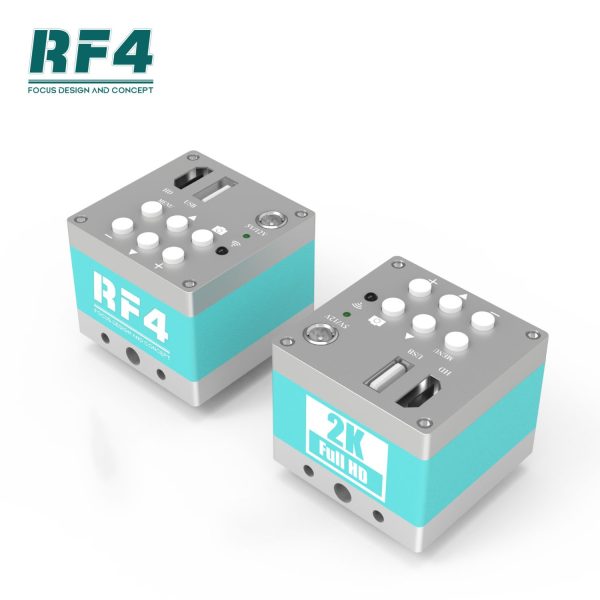
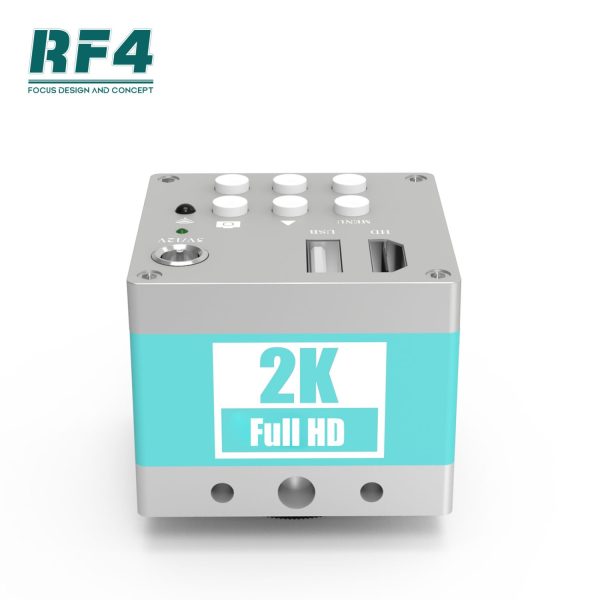
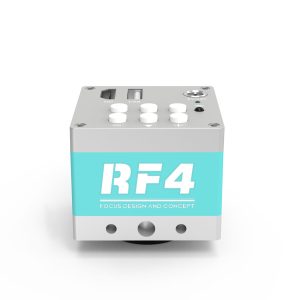
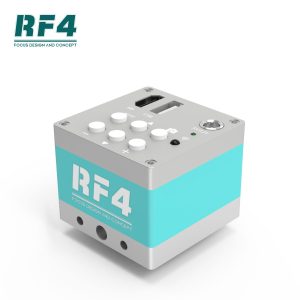
RF4 2KC2 1080P 60FPS 2K HDMI Industrial Microscope Camera with Remote Control
The HDMI industrial camera offers the choice between 8 movable horizontal lines or 8 vertical lines, selectable through the menu. It supports a maximum HDMI output resolution of 1920×1080 at 60Hz. For safety purposes, it is important to thoroughly read the operating instructions.
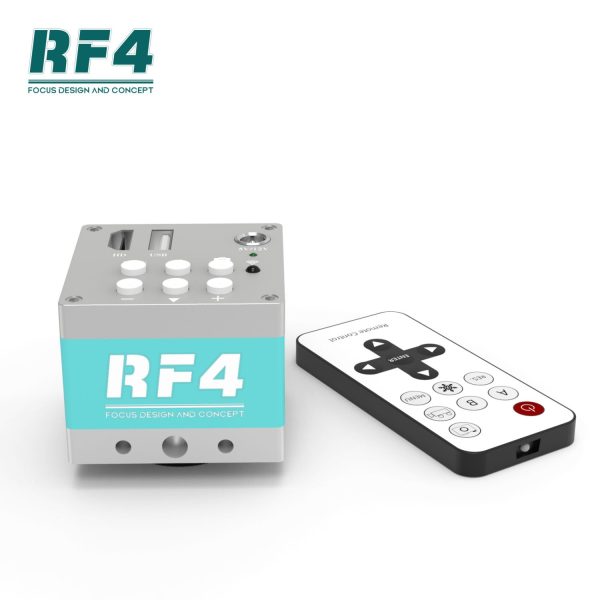
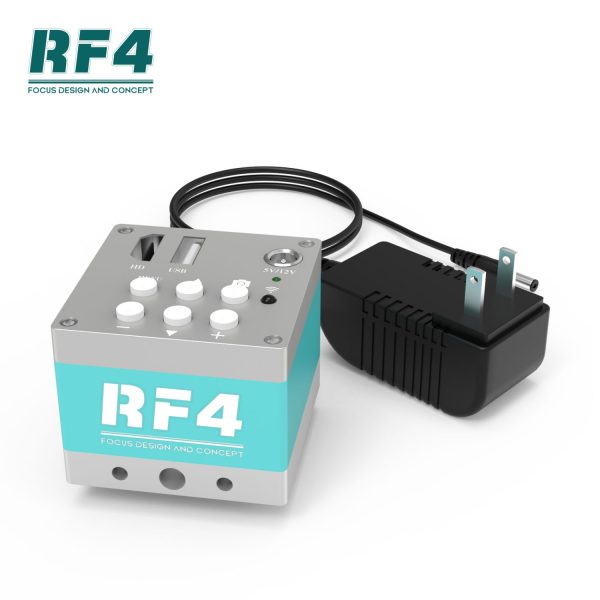
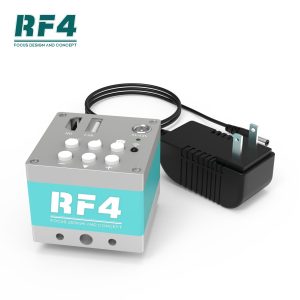
Packaging contents:- 1 industrial camera host- 1 12V or 5V DC power supply- 1 remote controller- 1 operation manual
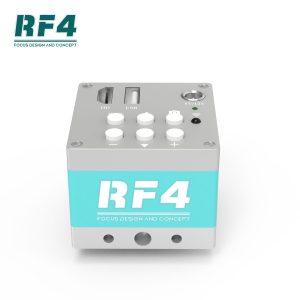
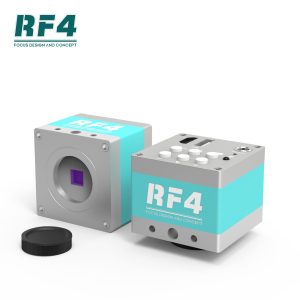
Interface and key functions:Installation:1. Connect the industrial lens to the CS interface of the camera.2. Connect the HDMI OUT interface to the display's data line.3. Connect the 12V DC interface to the 12V or 5V DC power line.4. The indicator light will turn green after powering on, indicating normal camera operation.
Menu operation:1. Press the MENU key once to open the main menu.2. In the main menu, navigate using the ▲/▼ keys to select different submenus.3. Press the + key to enter the submenu pointed to by the cursor.4. Use the "+/-" keys to adjust values within the submenu.5. The default value for image parameters is "automatic white balance." To perform a "one button white balance," set "automatic white balance" to "NO," place a white paper under the lens, and trigger the "one button white balance" item.
Common problems and solutions:1. Restore factory settings: MENU key -> equipment management -> restore factory settings.2. One-click white balance: MENU key -> image parameters -> automatic white balance (set to NO) -> trigger the "One click white balance" option.3. Key usage: Press once to capture an image. Long press for 2 seconds to record (REC flashes on the left of the drive letter), and long press for 2 seconds to end recording.4. Picture preview key: Press the MENU key twice to enter the picture/video preview interface. Use the "▲/▼/+/-" keys to navigate and preview corresponding pictures/videos.5. Line color change: MENU key -> function setting -> left and right keys to adjust line color (set to YES) -> exit by using "▲/▼" keys.6.To fix an incomplete LCD display with black edges, press the AUTO button on the display.7.If the lens or imaging element has dust, clean it using absolute alcohol or an eyeglass cloth.
Camera parameters: 1. Imaging element: 2k 1/2.8-inch CMOS, effective pixel 1920X1080, frame rate 60 frames/second, definition 900 lines. 2. CS lens interface is used, compatible with any CS interface lens. 3. Power input: +5V to +12V DC. Maximum working current is 400mA at +5V and 200mA at +12V.
Additional information
| Weight | 0.2 kg |
|---|
Be the first to review “RF4 2KC2 1080P 60FPS 2K HDMI Industrial Microscope Camera with Remote Control | Xicart wholesale”
Wholesale Terms
Standard trading terms for this item. Larger quantity or special requirements? We quote case by case.
- MOQ
- 10 pcs per model. Mixed models welcome to reach one export carton.
- Lead time
- 1-3 business days for in-stock items
- Packaging
- Anti-static bag + foam insert + export carton. Vacuum sealed on request.
- Quality & warranty
- Every piece inspected before dispatch. See the warranty and returns policy.
- Payment terms
- PayPal · T/T bank transfer · L/C at sight for container orders. Credit terms available for repeat buyers.
- Shipping
- Worldwide from Shenzhen by express courier (DHL, FedEx, UPS) or sea freight for machines. Ask for a freight quote.
- QC & testing
- Every unit is functionally tested on real devices before packing. Photos of the exact batch are available on request 鈥?no blind dropshipping, no mixed-grade stock.
- Why buy from us
- Shenzhen factory direct since 2012. 10,000+ parts in stock, tracked worldwide delivery, and a real human on support within 24 hours. Meet our team.
Exporting since 2012 · Business hours Mon - Sun, 9:00 AM - 10:00 PM (GMT+8, Beijing Time)


Reviews
There are no reviews yet.